Comparison
CNC Router vs 3D Printer: Which Belongs in Your Shop First?
Updated June 11, 2026
One carves material away; one grows parts from nothing. The practical differences that should drive a first-machine decision aren't philosophical: they're supervision, noise, material cost, and whether your projects are made of wood or of geometry.
Some links on this page are affiliate links. If you buy through them, The Maker Guide may earn a small commission at no extra cost to you. We only point at product categories we would compare ourselves. Details.
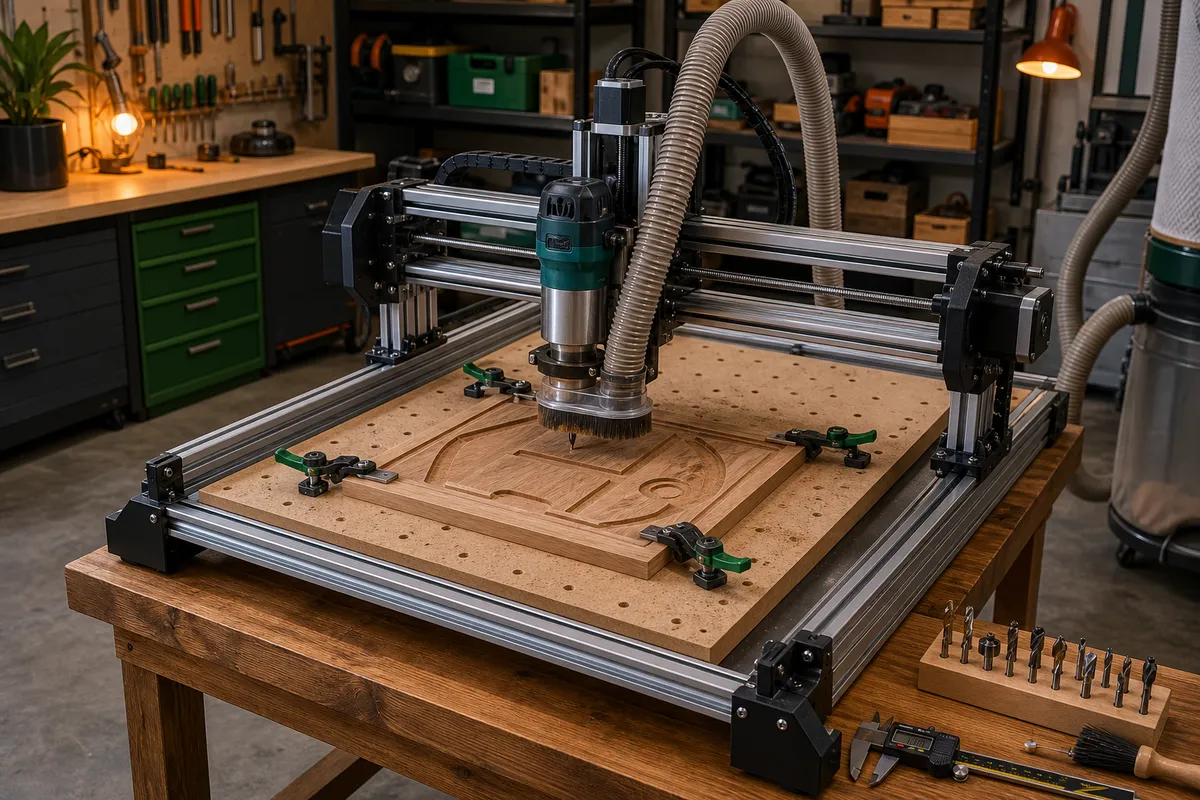
The project-type test
List your next ten wanted projects. Wood that people touch — signs, boards, trays, furniture-ish things — is CNC's home turf; printed versions read as plastic because they are. Functional geometry — brackets, enclosures, organizers, jigs, replacement parts with threads in them — is printer territory; carving those from wood is cosplay. If the list splits, the tiebreakers below favor the printer first for most people.
The differences you'll live with
| CNC router (4040-class) | 3D printer (modern bed-slinger) | |
|---|---|---|
| Supervision | Attended. Bits snap, stock shifts, fires are possible — you stay near | Queue it and leave; check from your phone |
| Noise | Router + shop vac: 95+ dB sessions | Conversation-quiet hum |
| Mess | Chips and fine dust; collection required | Effectively none |
| Workflow | CAM, workholding, zeroing — real skills | Slice, press print |
| Materials | Wood, plastics, soft metals — premium feel | Thermoplastics — chosen well, surprisingly capable |
| Part strength | Solid wood/aluminum strength | Anisotropic — layer direction is a design constraint |
| Complexity cost | Curves and undercuts cost setup and bits | Complexity is free; internal geometry, no problem |
| Equipped cost | $750–900 (machine + accessories) | $300–600 complete |
| Sellable output | High-ticket goods | Functional niches; lower per-item prices |
Why the printer usually goes first
It's the cheapest complete setup, it runs unattended while you live your life, it's apartment-compatible, and — the compounding argument — it makes the other machines better: dust shoe parts, hose adapters, organizers, jigs, and fixtures for the CNC you buy later. The reverse isn't true; a CNC contributes little to a future printer.
The CNC-first case is real but specific: your projects are wooden, you have a garage and tolerance for noise, and the price-class math of what you'd sell supports it. People who know they're wood people should trust that.
The reference machines in this comparison
Modern bed-slinger 3D printer
The current crop of fast, auto-leveling printers made 'press print' real — compare build volume and enclosure options if ABS is in your plans.
See options on Amazon →FoxAlien Masuter 3S (4040 CNC)
Our reference hobby-class CNC: closed-loop steppers and a real upgrade path, at the equipped-cost numbers used above.
See it at FoxAlien →Digital calipers
The one tool both paths require from day one — measurement is the shared language of subtractive and additive work.
See options on Amazon →The both-eventually answer
The two-machine shop is the genuinely correct end state — printer for geometry, CNC for material — and our budget guide sequences it at $2,500 without waste. Until then, the machine you didn't buy is borrowable: The Makr Lab has both on the floor, which is also the cheapest way to find out which one you reach for naturally.
Frequently asked questions
Which is harder to learn, CNC or 3D printing?
CNC, clearly: CAM toolpaths, feeds and speeds, workholding, and zeroing are each their own small skill, and mistakes cost material loudly. Modern printers are genuinely press-print for their first months — difficulty arrives later, in design skills, which is the fun kind.
Can a 3D print be as strong as a CNC-cut part?
Across layers, no — printed parts are weakest where layers bond, while wood and aluminum have no such seam. Designed with load along layers, with proper walls and material choice, prints are plenty strong for brackets, jigs, and enclosures. Structural furniture parts: CNC.
Which makes more money?
CNC output sells higher per item (boards, signs — $50–150 pieces); printer income skews to functional niches, batch production, and design files. The honest answer: the seller's marketing matters more than the machine — but craft-fair tables reward wood.