Laser safety
Laser Engraver Safety Checklist for Home Shops
Updated June 11, 2026
Home laser accidents are boring and predictable: eyes, fire, fumes, and bad materials, in that order. This is the checklist version — set up once, then a 60-second routine per session. Print it, tape it to the enclosure, actually do it.
Some links on this page are affiliate links. If you buy through them, The Maker Guide may earn a small commission at no extra cost to you. We only point at product categories we would compare ourselves. Details.
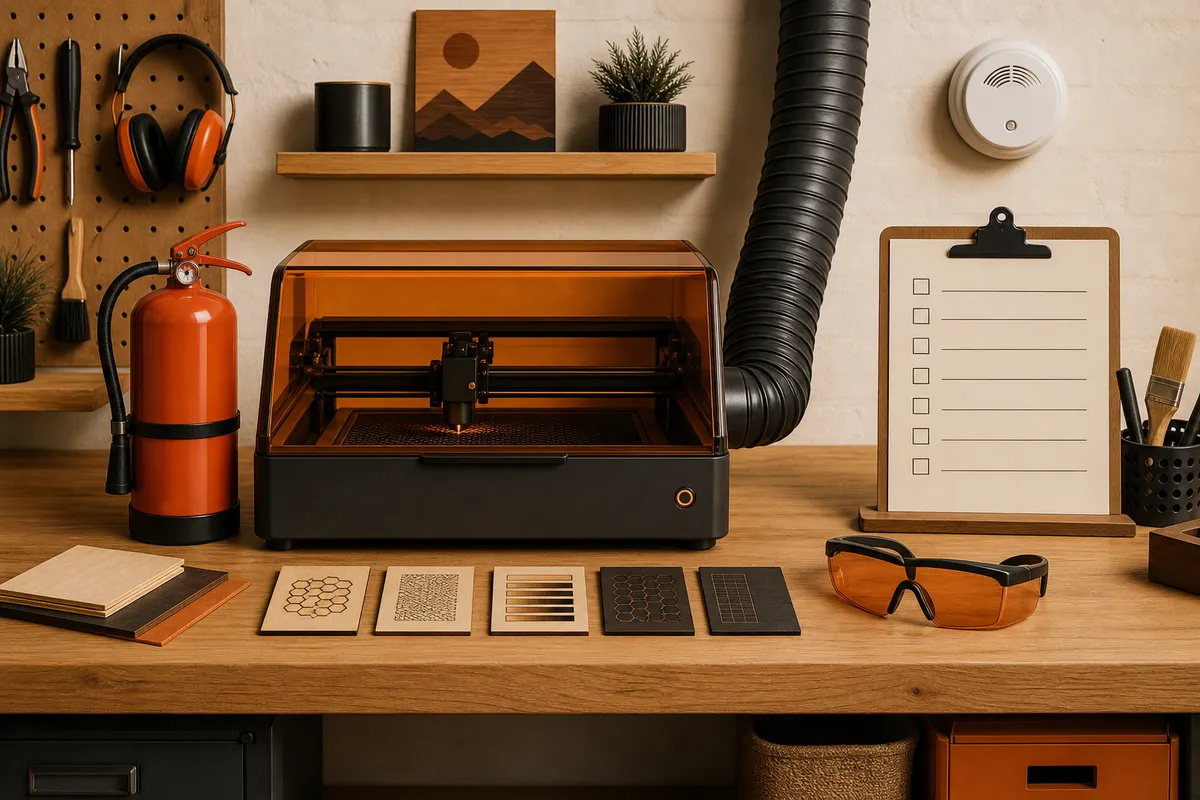
One-time setup (do these before the first real job)
- Wavelength-matched safety glasses with a stated OD rating for your laser (typically 445–455 nm for blue diodes, 10,600 nm for CO2). One pair per person who'll be in the room. Generic tinted glasses are not rated equipment.
- Enclosure with a rated viewing window — or at minimum, a defined beam area no one's eye line crosses. Open-frame diodes on a desk are how reflections find corneas.
- Exhaust to outdoors: enclosure → short duct → inline fan → window panel. (Full venting guide.)
- Fire kit within arm's reach: small ABC or CO2 extinguisher, fire blanket, spray bottle. Mount them; floor clutter migrates.
- Smoke detector in the shop, near the laser station.
- Air assist installed — it's a safety device that happens to improve cut quality. (Setup guide.)
- A materials list taped to the machine: what's approved, what's banned. Start with ours below.
Every session (60 seconds)
- Glasses on before the laser arms — make it a physical habit tied to the power switch.
- Confirm exhaust fan is on and pulling (tissue test at the intake).
- Confirm air assist flows at the nozzle.
- Material is on the approved list and sits flat — warped stock means wandering focus and flare-ups.
- Bed is clear of offcuts and char from last time (the classic slow-burn fuel).
- Phone stays in the room: you don't leave a running laser. Not for coffee, not for 'just two minutes.' This single habit prevents the majority of laser fires.
The materials ban list
| Never laser | Why |
|---|---|
| PVC, vinyl, anything chlorinated (most faux leather) | Releases chlorine gas / hydrochloric acid — corrodes the machine and your lungs. Use 'laserable leatherette' only when explicitly sold as such. |
| Polycarbonate (Lexan) | Doesn't cut, catches fire, makes toxic smoke |
| ABS | Melts into cyanide-adjacent fumes and goo |
| Fiberglass / carbon fiber boards | Epoxy fumes plus glass dust |
| Mystery plastic from the garage | If you can't identify it, it's PVC until proven otherwise |
When something goes wrong
Small flame that follows the cut and goes out: normal-ish on cardboard and some ply at slow speeds — reduce power or add air. Flame that persists when the head moves on: pause the job, let air assist starve it or pat it with the blanket. Anything bigger than a candle: lid open kills most diode flare-ups by releasing the heat; extinguisher if it has fuel. Afterward, find the cause — it's almost always char buildup, masking-tape edges, or the wrong material.
If the smell stays sharp long after a job, your exhaust path is leaking — fix it before the next session, not eventually.
The safety hardware on this list
Rated laser safety glasses
Match the OD and wavelength to your machine. This is the one purchase where 'cheapest listing' is the wrong filter.
See options on Amazon →Fire blanket + small extinguisher set
The blanket handles 90% of realistic laser incidents (smothering a flare-up) without dousing your machine in powder.
See options on Amazon →Combination smoke/CO detector
Garages often have neither. The laser station deserves both.
See options on Amazon →Frequently asked questions
Is it safe to run a laser engraver in the house?
With an enclosure, real exhaust to outdoors, approved materials, and someone present — yes, people do it responsibly. The honest answer is that a garage or detached space removes the worst failure modes. What's not safe anywhere is an open-frame laser venting into room air.
What's actually the most dangerous part of a diode laser?
Statistically, unattended operation — fire needs minutes alone to become an incident. Acutely, the beam and eyes: a watt of focused 450 nm light causes permanent retinal damage faster than a blink reflex, including from specular reflections off metal.
How do I know if material contains PVC?
The copper-wire flame test (burn test outdoors: green flame = chlorine) is the classic check, but the practical rule is simpler: buy materials sold specifically as laser-safe, and treat unlabeled flexible plastics and faux leathers as banned.